
CMP User Manual & Operating Guide
Step-by-step instructions, presentation slides, and answers to common questions for all Construction Management Platform modules.
3D Model Viewer (BIM 3D)
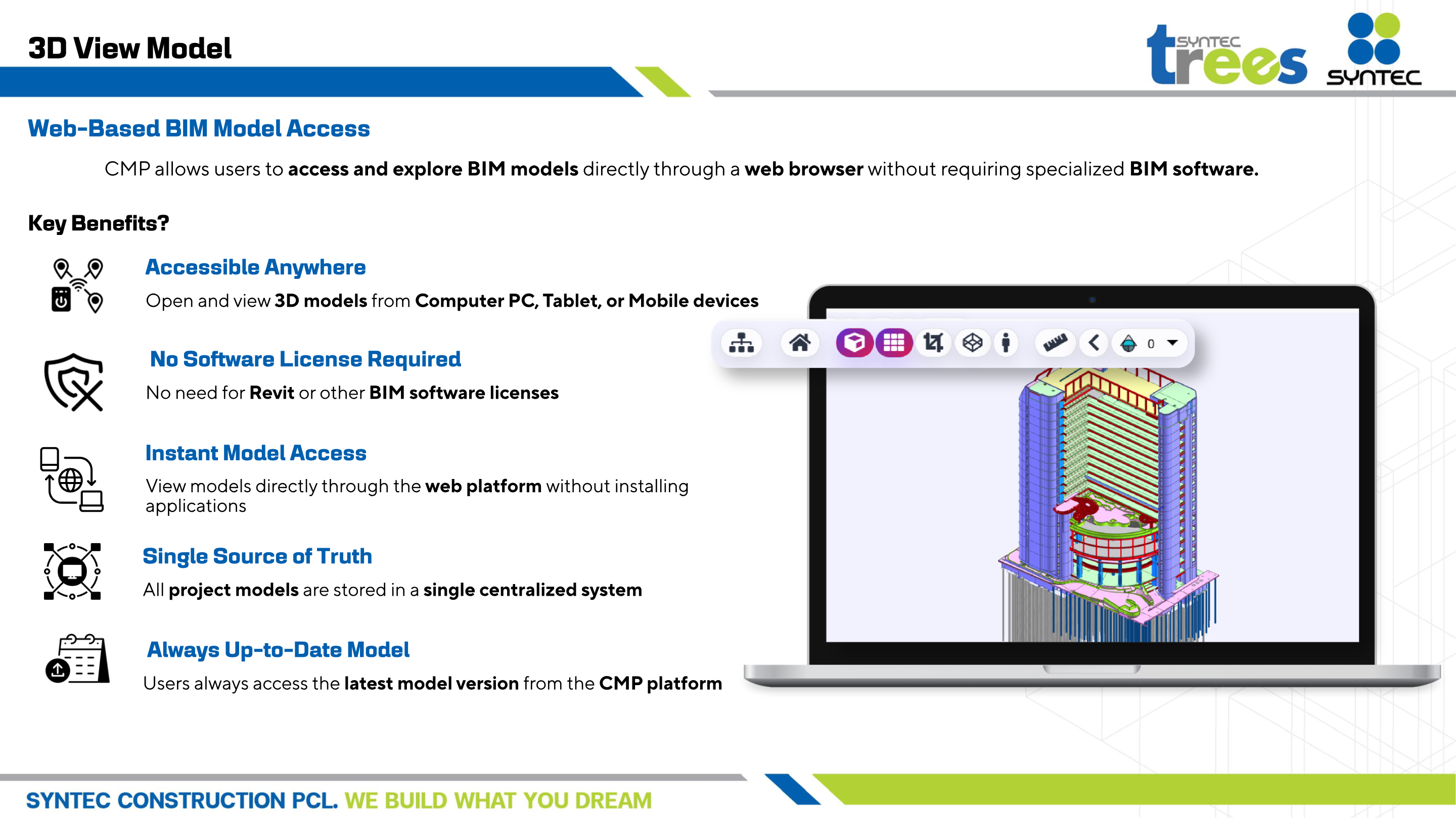
Web-based 3D BIM Model access directly through a browser without requiring Revit software or specialized CAD licenses. Provides a single source of truth for federated architectural, structural, and MEP models.
Step-by-Step Execution Guide
Web-Based 3D Access
Open and view federated 3D models directly from PC, Tablet, or Mobile devices without software installation.
Measure & Inspect Elements
Click structural elements or pipes to view property specifications, dimensions, cost codes, and elevation levels.
3D Sectioning & Filtering
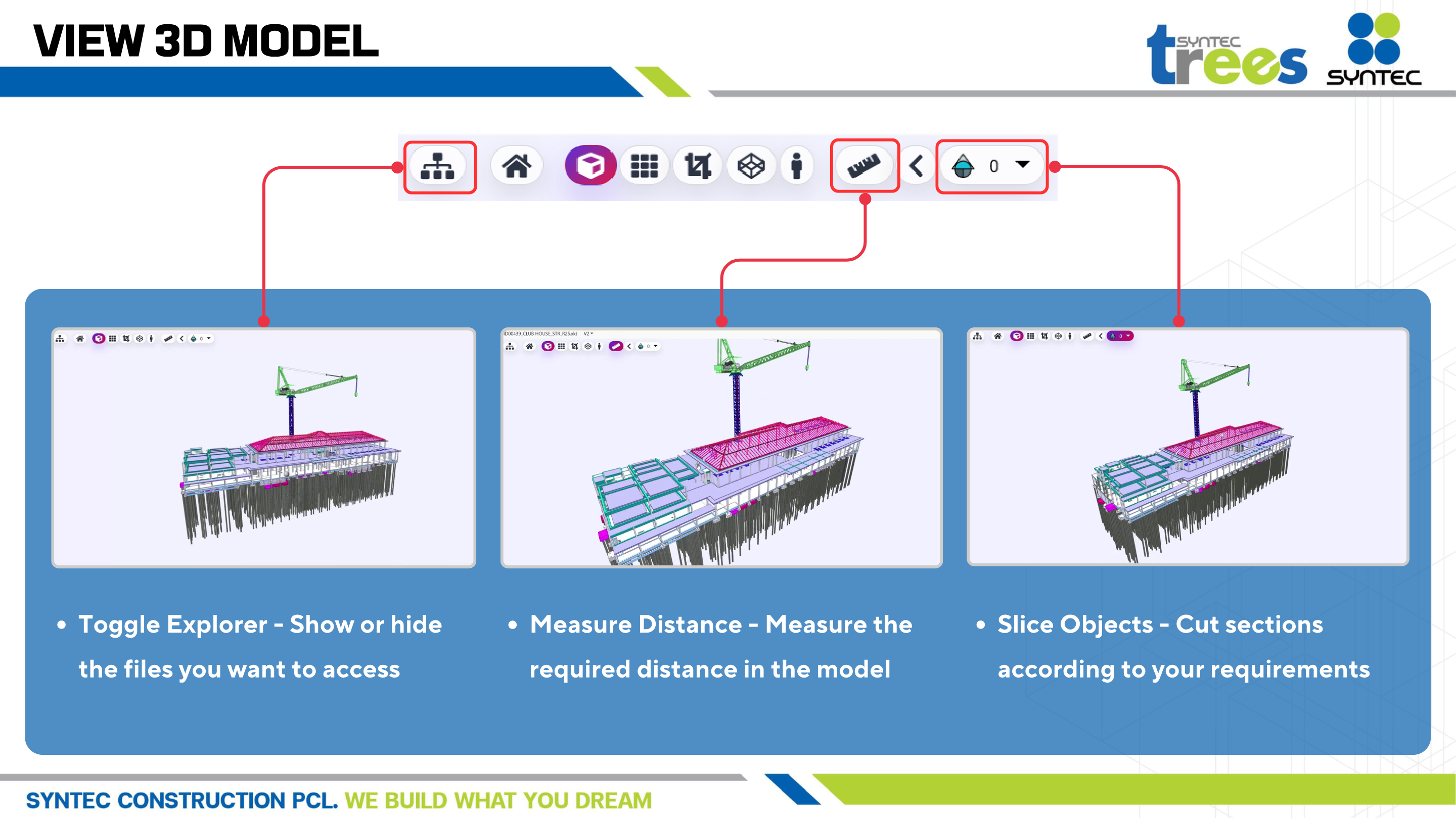
Toggle file explorer to show/hide discipline files, measure precise distances, and slice objects along XYZ section planes.
Official Platform Presentation Slides
Frequently Asked Questions
Q: Do site engineers need Revit licenses to view 3D models?
No, CMP provides instant web-based 3D model exploration directly in your browser without requiring Revit or software licenses.
Q: What model file formats are supported?
CMP supports Revit (.rvt), IFC (IFC2x3 / IFC4), Navisworks (.nwd), and 3D DWG files.